

Cherry blossoms.
Then a little trouble.
A quiet garden search became a vampire with a parasol. Here’s how I took that idea into my coloring desk.
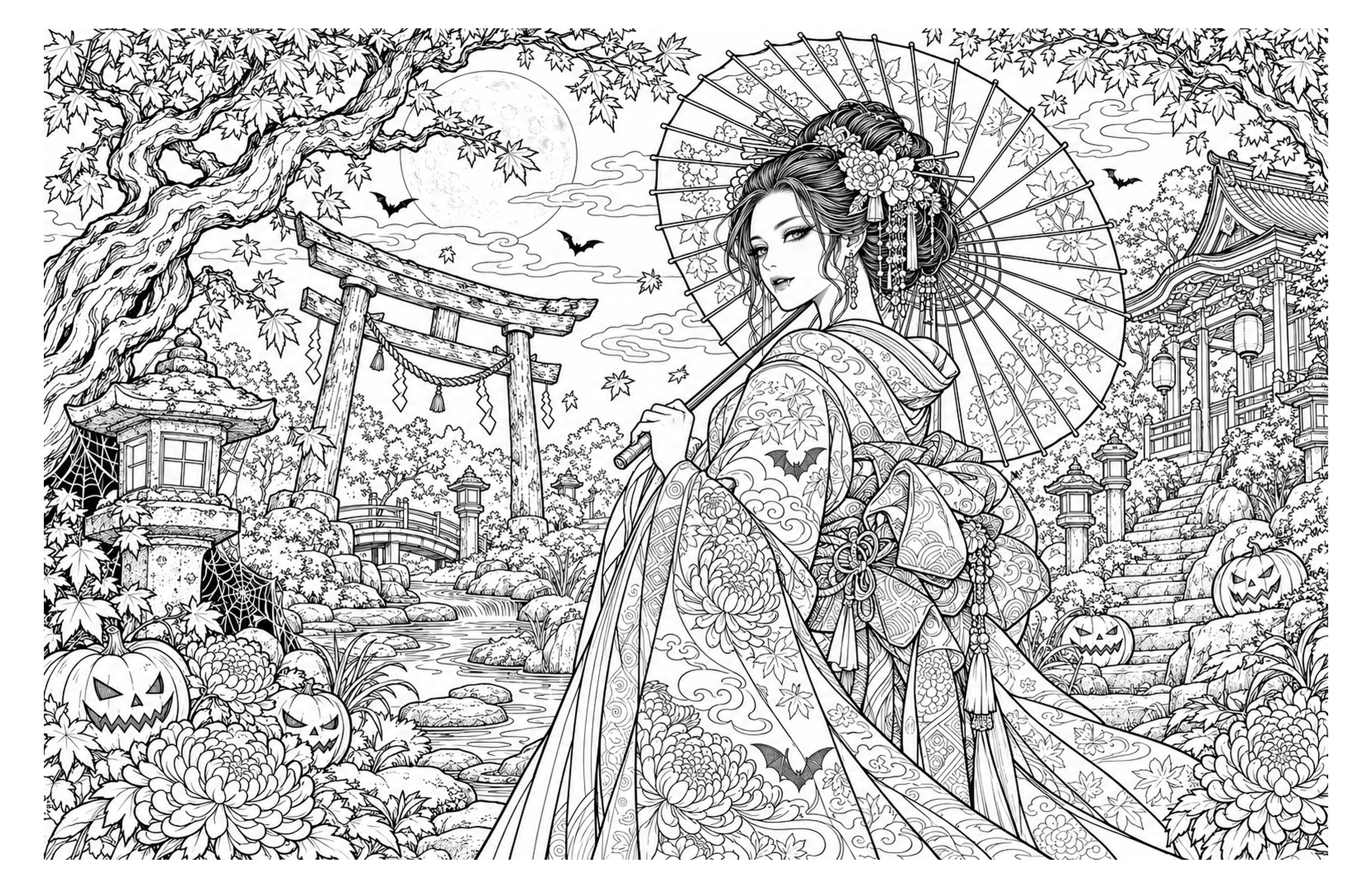
Start with something you like.
I was looking at cherry-blossom coloring pages. The garden setting, delicate lines and parasol gave me a direction—not a finished plan. For a sheet you’ll share, use your own art or a source that permits reuse.
Change the story.
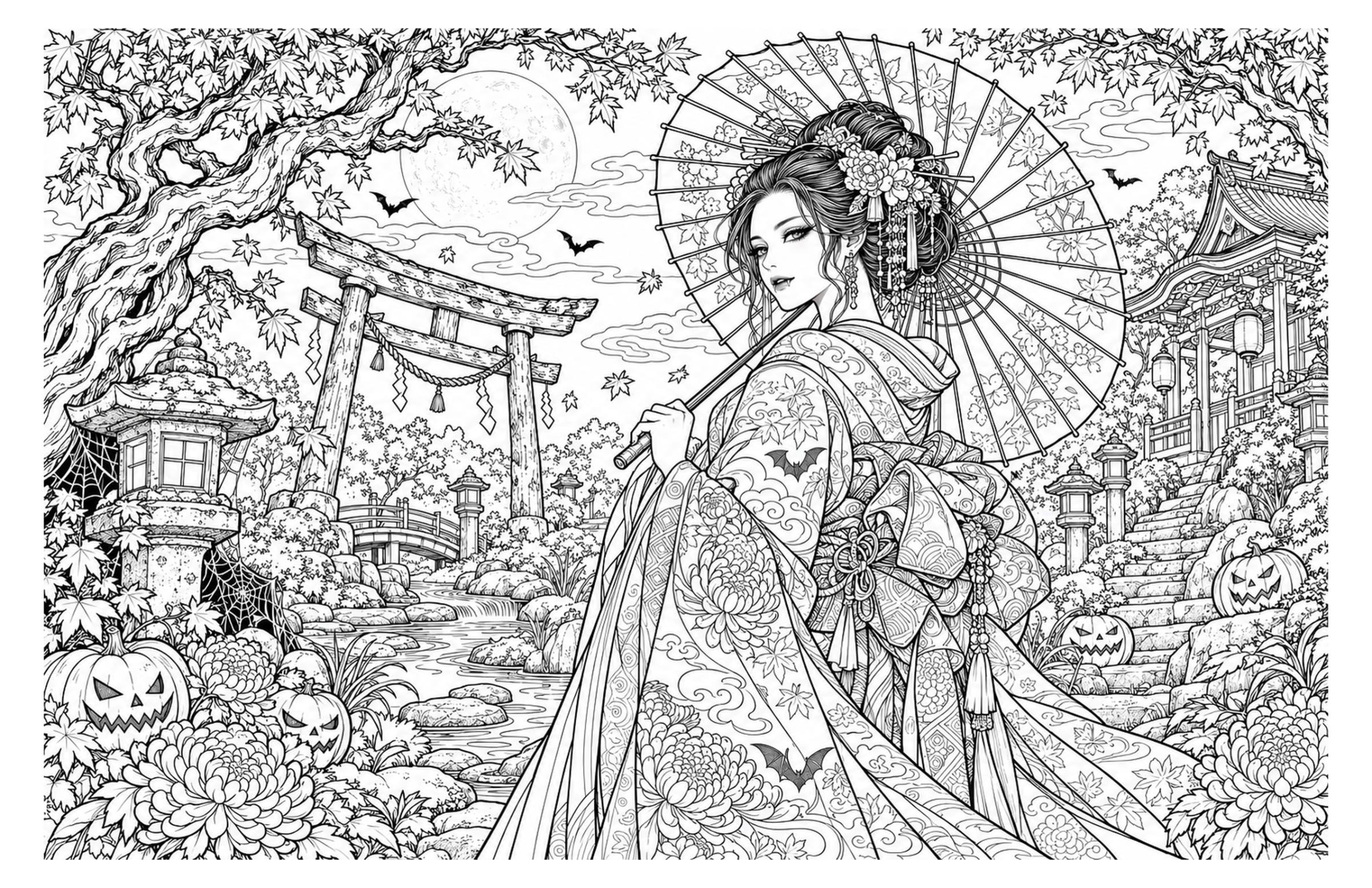
I took the idea toward Halloween: a vampire, moonlight, pumpkins and a shrine garden. AI helped build a new landscape composition with plenty of small details to color.
Paste. Pick. Play.
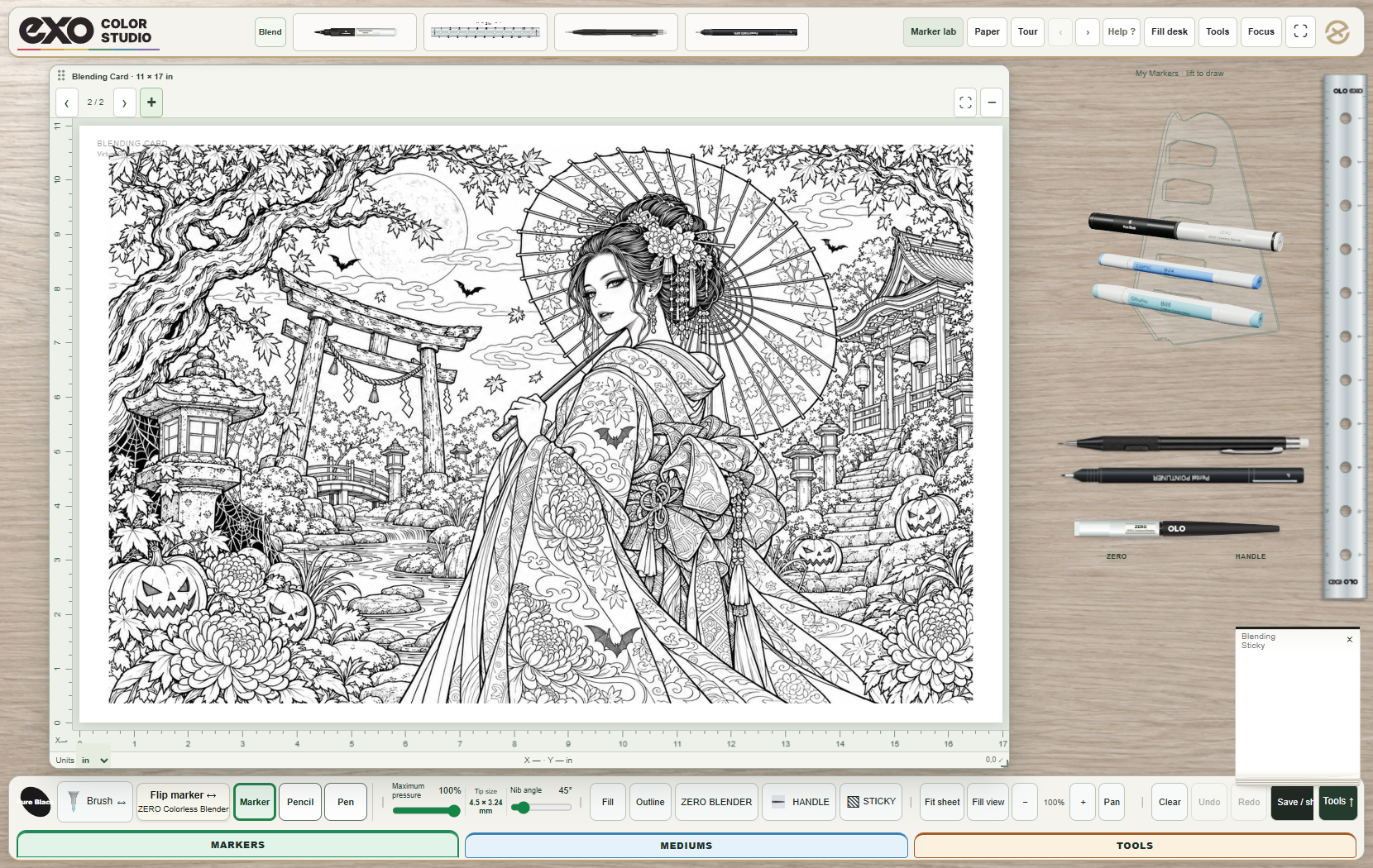
Drop the image into EXO Color Studio. It fits the paper automatically. Grab a marker, zoom into the details and try a few colors on a sticky before you commit.
“Create an original Japanese vampire garden coloring page. Intricate black line art, a parasol, autumn leaves and Halloween details. Leave the shapes open for color. Compose it for 11 × 17 landscape.”
A better fit.
Use Fit whole image to keep its proportions. Stretch to fit X & Y reaches all four paper edges when you want the image to fill the sheet.
Build a mashup.
Keep a background, character and details in your image shelf. Paste several onto one sheet, then arrange their scale, rotation and layers under Tools.
Let someone take a turn.
Publish an original template or your colored take to the open library. The artist credit stays connected, and everyone can see what the same outline inspired.
Sign in to your EXOLOX account to save and sync your workspace. Digital marker colors and blending are a simulation; test your actual supplies before printing or production.