
Choose each half.
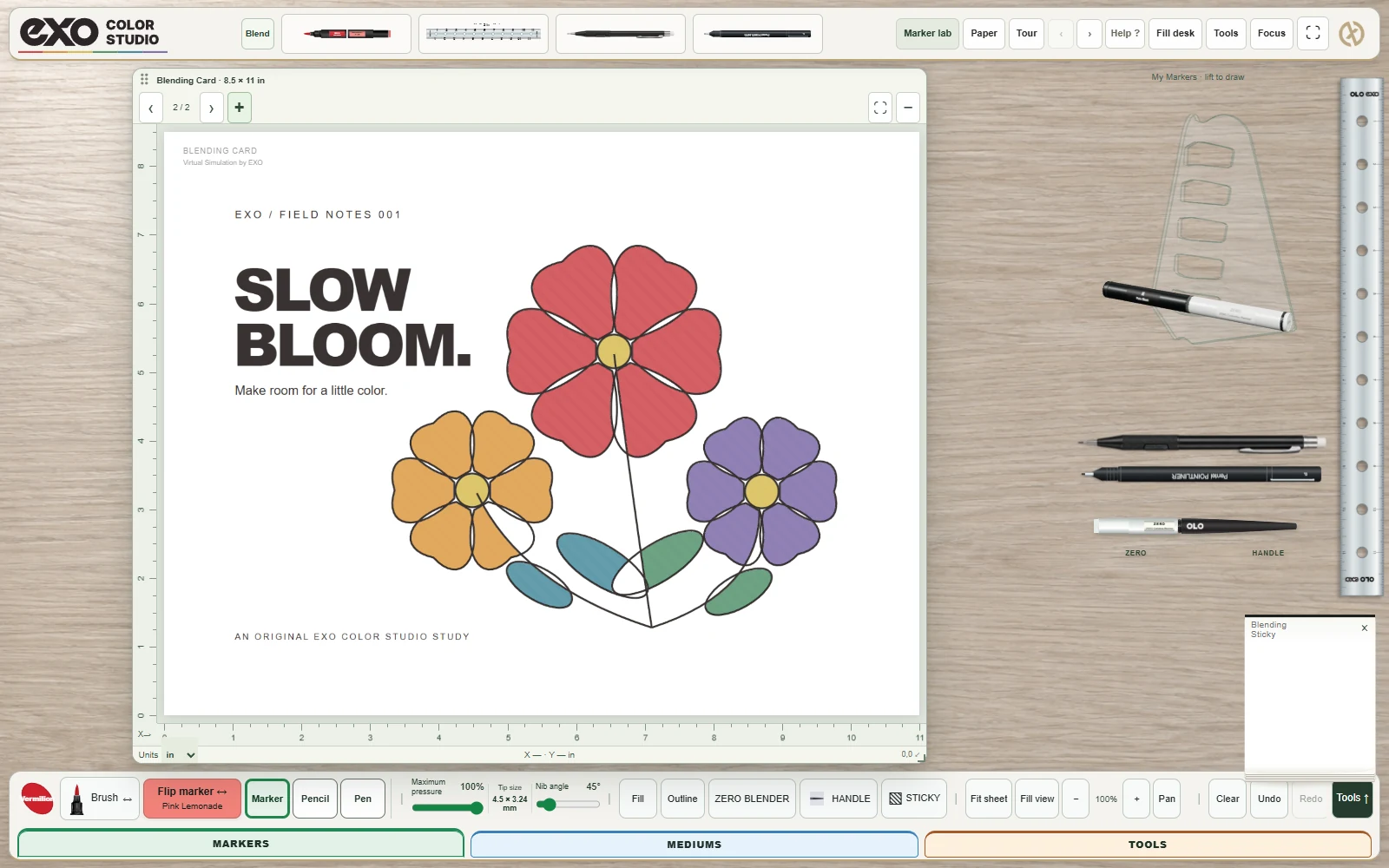
Use the color wheel to explore OLO’s 256 color references. Put one color on End A and another on End B, then change either half without rebuilding the pair.

One color on each end. Your choice of tips. Build a connected marker around the way you like to work.
Explore OLO in the studio ↗Start as a guest. Connect EXOLOX when you’re ready to save.Use the color wheel to explore OLO’s 256 color references. Put one color on End A and another on End B, then change either half without rebuilding the pair.
Switch between the ends as you draw. A light and a deeper color make a useful starting pair; neighboring hues let you explore a different transition.
Try the colorless tool on an overlap to move and soften digital pigment. It is a solvent-style interaction, not a white pen or an undo button.
EXO uses a shared digital ink model for layering, tip response and blending. It is a place to explore; physical ink on your chosen paper is the final reference.
Try the three-color blending study →